Your checkout is where browsers turn into buyers. The payment gateway you pick determines whether that moment goes smoothly — or sends someone straight to a competitor.
Most guides hand you a list of names, throw in some fee comparisons, and call it a day. This one doesn’t. We looked at what the top-ranking articles on the best payment gateways for ecommerce cover, and identified what they consistently leave out.
Below, you’ll find an overview of the top gateways for 2026, honest notes on real costs, and the stuff most reviews skip entirely: checkout speed, backup plans, switching providers, and UK-specific options that rarely get a mention.
A quick overview of the best payment gateways for ecommerce
Before we go into detail, here’s the short version. If you’re looking for the best payment gateways for ecommerce in the US and UK right now, the names that come up again and again are Stripe, PayPal, Shopify Payments, Square, Helcim, Authorize.Net, WorldPay, Airwallex, and Adyen.
Each one tends to suit a different kind of business — some are built for beginners who want something running today, others are aimed at high-volume sellers who care more about saving a fraction of a percent on every transaction, and a few are built specifically with cross-border or multi-country selling in mind.
What all of these have in common is that they handle the heavy lifting of taking a customer’s card details, checking them are valid, and getting the money moved safely from the customer’s bank to yours. The differences come down to cost, how easy they are to set up, how well they fit your existing platform, and how well they support the countries you’re selling to.
That last point matters more than people think — a gateway that works brilliantly for a US store might be a poor fit for a UK business, and vice versa, simply because of which local payment methods and currencies it supports well.
What is a payment gateway?
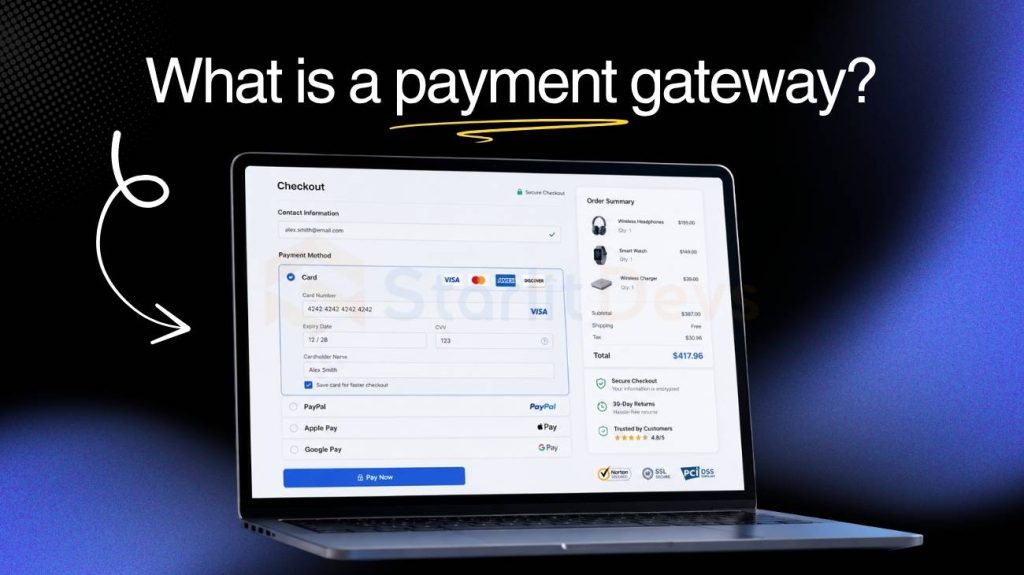
A payment gateway is the technology sitting between your online store and the banking system. When a customer clicks “Pay Now,” the gateway captures their card details, encrypts them, and sends them to a payment processor for approval — all in a matter of seconds.
Think of it as the digital version of the card reader at a physical checkout. The difference is that online transactions carry more fraud risk, which is why gateways come with encryption, fraud detection, and compliance requirements built in.
It’s also worth knowing the difference between a gateway and a payment processor. The gateway handles the secure transfer of data. The processor handles the actual movement of money behind the scenes. Many providers bundle both into one product these days, so you often don’t have to think about them separately.
The real costs most reviews gloss over
Before getting into the picks, let’s talk about money — because the headline fee you see advertised is rarely what you actually end up paying.
Watch for these:
- Chargeback fees — usually $15–$25 per dispute, regardless of the outcome
- Refund processing fees — some gateways keep the original transaction fee even when you give money back
- Cross-border and FX fees — can quietly add 1–3% on every international sale
- PCI compliance fees — some providers charge a monthly or annual fee just to stay compliant
- Monthly minimums — if your sales dip, you may still owe a flat fee
- Early termination fees — rare, but always check contract terms before signing up
This is especially important if you’re selling to customers in both the US and the UK. Cross-border fees on transatlantic transactions can take a real bite out of your margins without you even noticing, and they’re one of the easiest things to overlook when you’re comparing the best payment gateways for ecommerce on price alone.

The thing most reviews never mention: checkout speed
Here’s a stat worth paying attention to: a one-second delay in page load time can cut your conversion rate by up to 7%. Your payment gateway plays a direct role in how fast — or slow — your checkout loads.
This is where the hosted vs. embedded gateway choice matters far more than most guides explain:
Hosted gateways redirect customers away from your website to a third-party payment page. They’re easy to set up and handle PCI compliance on your behalf. But the redirect breaks the flow, and a portion of customers don’t come back once they leave your site.
Embedded (API-based) gateways keep customers on your website throughout. The payment form loads within your own checkout page, which feels smoother and converts better. These take more effort to implement, but the difference in conversion rates is real.
If you’re using a hosted gateway, at minimum make sure it loads fast. Run through your own checkout on a mobile phone. If it takes more than three seconds to reach the payment screen, you’re leaving money on the table.
The best payment gateways for ecommerce in 2026
Here are the top picks for US and UK businesses, with a bit more detail on what makes each one worth considering — and where it tends to fall short.

1. Stripe — Best for growing stores
Stripe is the go-to for e-commerce brands that want real insight into their payment performance. It supports over 135 currencies, handles subscription billing natively, and gives you more data about your checkout funnel than almost anything else available.
You can track exactly why transactions fail, monitor authorization rates, and dial in your fraud settings to reduce false declines without blocking genuine customers. The analytics dashboard alone makes it stand out from the crowd, and for store owners who like to dig into numbers, it’s hard to find a gateway that gives you more to work with.
Stripe is an embedded (API-based) gateway, so it takes more setup than PayPal — usually a developer will need to be involved at some point, even if it’s just for the initial integration. But the checkout experience is seamless, and the control you get over how things look and behave is significant. Stripe also plays nicely with most major e-commerce platforms, so if you’re using something like WooCommerce or a custom-built site, it’s usually one of the easier options to bolt on.
Pricing: 2.9% + $0.30 per transaction (US) | 1.5% + 20p (UK)
Best for: Growing stores that want checkout control and detailed payment data

2. PayPal — Best for new or small stores
PayPal is still the most recognised payment brand in both the US and UK. That recognition matters — shoppers who see the PayPal button trust it, and trust drives purchases, especially for newer stores that haven’t built up a reputation yet.
It’s the quickest gateway to get live. No coding, no developer, no long setup process. You can have it running on your store in under an hour. Customers can also pay using their existing PayPal balance, which makes repeat purchases even easier, and many shoppers already have their card details saved with PayPal, so checkout feels almost instant for them.
The downside is the pricing. It’s genuinely confusing, with different rates depending on the transaction type, currency, and payment method. Always check the full pricing page — not just the headline number — because the rate you’re quoted at sign-up isn’t always the rate you’ll actually pay once international cards and currency conversion get involved.
Pricing: 3.49% + $0.49 per transaction (US standard)
Best for: New sellers who need a fast setup and instant customer trust.
3. Shopify Payments — Best for Shopify stores
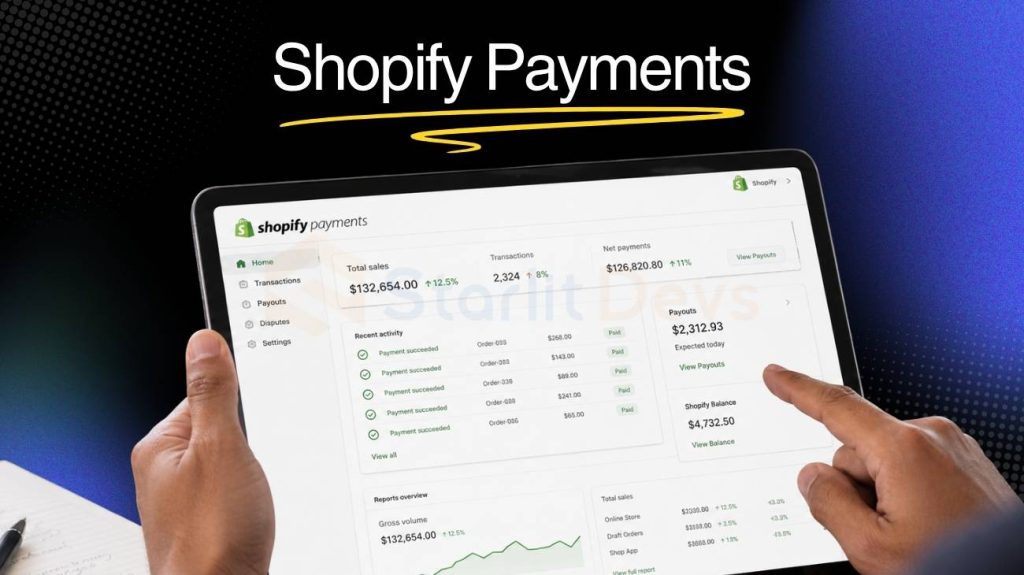
If your store is on Shopify, using Shopify Payments is the obvious choice. It’s built directly into the platform, removes the additional transaction fee Shopify charges when you use a third-party gateway, and gets slightly cheaper as you move up plan tiers.
Because it’s built in, there’s also nothing extra to install or configure — it’s already sitting there in your Shopify admin, ready to switch on. That makes it one of the simplest options on this list, and for a lot of small and medium stores, simplicity is worth more than shaving off a fraction of a percent in fees elsewhere.
The catch is that it only works within the Shopify ecosystem. Move platforms, and you’ll need a new gateway, and you’ll lose the discount that comes from staying inside Shopify. But for Shopify merchants who are staying put, it’s hard to beat for simplicity and cost.
Pricing: From 2.9% + $0.30; active Shopify plan required from $39/month
Best for: Shopify store owners at any stage of growth
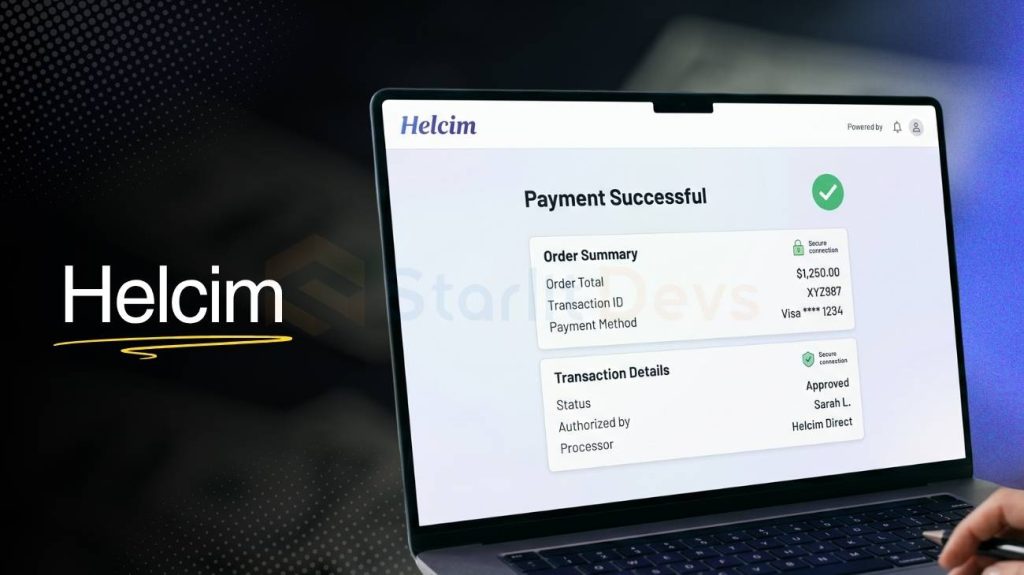
Helcim uses interchange-plus pricing rather than a flat rate. That means you pay the actual cost set by the card network (Visa, Mastercard, etc.) plus a small margin on top, rather than a bundled fee that hides the markup.
For high-volume stores, this can work out meaningfully cheaper than flat-rate competitors, because you’re not subsidising the cost of cheaper-to-process cards with a one-size-fits-all rate. The fee structure takes some getting used to, since your effective rate will vary slightly month to month depending on the mix of cards your customers use, but the savings are real once you’re doing serious volume. Helcim also has no monthly fees or setup costs, which is a bonus for businesses that don’t want to commit to anything before they’ve tried it out.
Pricing: Averages around 2.27% + $0.25 per transaction; discounts at higher volumes
Best for: US e-commerce stores processing $50,000+ per month

5. Authorize.Net — Best for established US businesses
Authorize.Net has been processing payments since 1996 and is one of the most trusted gateways in the US market. It’s feature-rich — supporting recurring billing, advanced fraud detection, customer data management, and a wide range of platform integrations.
That long track record means it’s well understood by accountants, developers, and other gateways alike, so if you ever need to integrate it with other business software, chances are someone has already built a connection for it. It’s not the most modern-looking gateway — the dashboard can feel a bit dated compared to newer options — and it costs more than some competitors once you factor in the monthly fee. But for mid-size US retailers who need reliability and depth of features over flashy design, it’s a proven choice that isn’t going anywhere.
Pricing: $25/month + 2.9% + $0.30 per transaction
Best for: Established US businesses with steady, consistent sales volume
6. WorldPay — Best for UK businesses
WorldPay handles a significant share of UK online transactions and is built with British businesses in mind. It supports all major card types, Direct Debit, and the payment methods UK customers actually prefer — which often get overlooked by guides written with a US audience in mind.
Many roundups of the best payment gateways for ecommerce barely mention UK-specific options at all. WorldPay fills that gap with local expertise, UK-based support, and strong domestic payment method coverage, which can make a real difference if most of your customers are based in Britain and expect to see familiar payment options at checkout.
Pricing: Custom quotes; typically 1.3–2.5% per transaction
Best for: UK-based e-commerce businesses
Every cross-border transaction typically costs around 3% in FX conversion fees. For businesses selling internationally, that adds up fast, and it’s often one of the biggest hidden costs for stores that ship to multiple countries. Airwallex lets you hold up to 20 currencies, receive payments in local currencies, and convert money when the exchange rate is actually in your favour rather than whenever your gateway decides to do it for you.
You also get local bank details in over 60 countries and virtual cards for business spending in whichever currency you need, which is useful if you’re paying suppliers or running ad campaigns in different markets. For genuinely global e-commerce, it’s one of the most cost-effective setups available, particularly for businesses that split their sales fairly evenly between the US, UK, and elsewhere.
Pricing: 2.8% + $0.30 per domestic card transaction; FX fees vary
Best for: Businesses selling across multiple countries
8. Adyen — Best for enterprise and multi-market sellers
Adyen bundles the gateway, processor, and merchant account into a single platform. For large businesses operating across multiple countries, this reduces complexity and can cut costs compared to managing separate providers for each part of the payment chain.
Adyen supports a huge range of local payment methods — from iDEAL in the Netherlands to BACS Direct Debit in the UK — and has enterprise-grade fraud tools that can be tuned in detail by larger teams with the resources to manage them. It’s not the right fit for smaller stores, since the setup and account management tend to assume you have some in-house expertise, but for businesses at scale, it’s highly capable and widely used by major UK and US retailers.
Pricing: Interchange plus a small processing margin per transaction
Best for: Large businesses selling across multiple markets
Matching your gateway to your stage
Not every gateway is right for every business. Here’s a simple framework:
- Just starting out? PayPal or Shopify Payments — fast setup, instant brand recognition, trusted by customers from day one.
- Growing and optimizing? Move to Stripe — better analytics, better checkout control, better long-term performance.
- UK-based business? WorldPay or Stripe UK — make sure your gateway supports UK payment methods and doesn’t charge you cross-border fees on domestic UK transactions.
- High-volume US seller? Helcim or negotiate custom rates with Stripe — the savings compound quickly at higher volumes.
- Selling globally? Airwallex or Adyen — don’t let FX fees eat your margins on every international order.
The bottom line
Picking the best payment gateways for e-commerce isn’t just about chasing the lowest transaction fee. It’s about finding a gateway your customers trust, one that loads fast, stays up when you need it, and fits the way your business actually operates.
Start with your stage and your target markets. Read the full pricing — not just the headline. Test everything before you go live. And if you’re selling across the US and UK, know exactly what cross-border fees apply before you commit to anything.
Get this right and your payment gateway becomes invisible to customers. That’s exactly what you want — a frictionless path from “add to cart” to “order confirmed.”